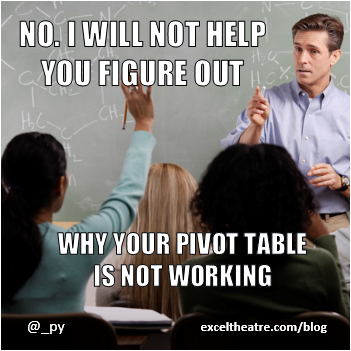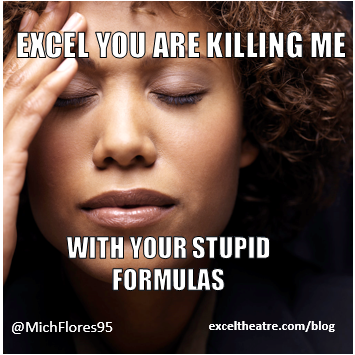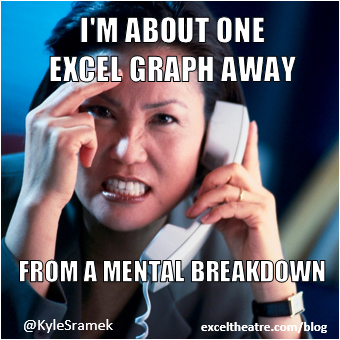
 If you use Excel to track college football results, should you show the grid lines on the worksheets? That might be a good question to ask at the Algonquin Pivot Table.
Thanks to Mr. Excel, Bill Jelen, for contributing a few of these tweets!
Videos, Humour & more

If you use Excel to track college football results, should you show the grid lines on the worksheets? That might be a good question to ask at the Algonquin Pivot Table.
Thanks to Mr. Excel, Bill Jelen, for contributing a few of these tweets!
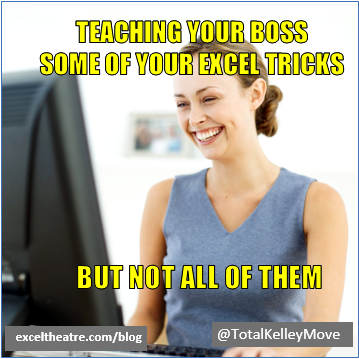
 If Excel incantations are your super power, a Margarita might be your only reward. However, if you learn macros and pivot tables, you could become a manager, with lots of coffee.
 If Excel had a “Plaid” setting, you’d go cross-eyed after making 100 changes to a workbook, let alone 100,000. And you might have to listen to bagpipe music while you work. Continue reading “Excel Twitter 20140808”
 Keep working on those pivot table skills, and soon you’ll want to pivot every piece of data that you get – or throw yourself out a window.
 If that girl at the office thinks your spreadsheet is cute, don’t spoil the magic by forgetting the workbook password.
 Be careful while you navigate those complicated Excel worksheets. You might hit an iceberg, and we all know how that will end.
 While you’re searching the internet for those Excel answers, maybe you could show the boss how to use Google too. That might give you more time to work on your golf game statistics.
 Yes, you can use Excel for tracking World Cup goals, or your life goals. A pie explosion should not be involved in either of those – a rainbow might be nice though.
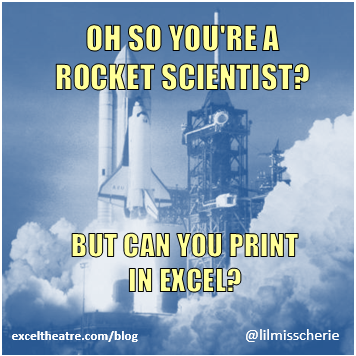
 If a rocket scientist learns to print in Excel, is it time for wine? As a bonus, there might be some delicious pie chart, if you learn all 10 of those secret Excel tips.
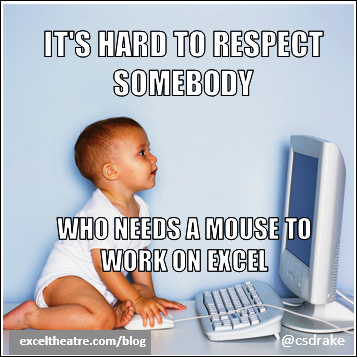
 After you build Frankenstein’s spreadsheet, take some time off, and enjoy some classic blues music. Or, make fun of people who use a mouse, and build worksheets in landscape orientation.
 Are you here for the Excel training, or just for the free pizza? Remember to open your workbook last week, so you’ll be ready for class today.
 Don’t ask the bartender to make you a spreadsheet, or you might see a VLOOKUP face. Ask the Help button instead.
 Keep your shirt buttoned up – you can find Excel help on YouTube. Soon, you’ll feel like an elite athlete, or a party planner.
 If you’re up all night, working on Excel, be sure to plug in your laptop, and unplug the phone.
 What should you wear while working on your Excel files? Business casual? Perhaps something from the Rocky Horror collection? Or would formal attire be better?
 Don’t drive your Excel workbook to the edge of a cliff, and leave it dangling over the side. You’d need lots of ramen, sweeTarts and whiskey to recover from that!
 Don’t worry! All is not lost – next week you might get to test some code, or find a formula that fixes your life.
 Just ignore the high school kid who is writing code. You have more important things to do, like figure out the Office 365 pricing options, and write apology notes.
 Could you build a house with Excel, or would that require too much coffee, and perhaps sacrificing your firstborn? And remember, you should save frequently, all day long, not just once every two weeks.
 Spring is finally here, and we can finally use Excel for important things, like taxes and sports. But if things go wrong in your spreadsheet, please don’t resort to witchcraft, porcupines or graph paper.
 Was your job description written by an Excel expert or a 9-year-old? Does it pay in Flex dollars, or nightmares?
 If you take too many naps while using Excel, you’ll never level up. Stay awake, and don’t leave those charts in the default colours!
__________________________
 You’d better brush up on Excel, so you’ll look like a genius. Otherwise, your family could be torn apart, and the dog’s weight could skyrocket. Oh, and you might end up as a stripper.

_____________
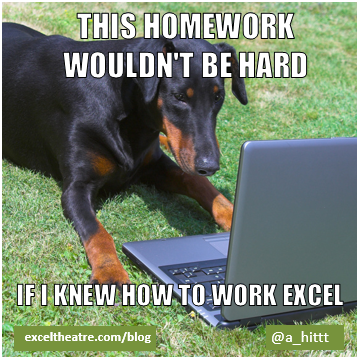
 Were you supposed to delete all those cells? Will your co-worker delete all your Excel changes? Is a spreadsheet the answer to any problem?
____________________
 Happy Valentine’s Day! I hope you’re spending time with the love of your life – Excel. Did you remember to buy a gift for your favourite function, and a a bouquet for that awesome pivot table?

_______________
 Even if you didn’t major in Excel, a pivot table can change your life forever. And Excel charts can make you dance.

__________________
 Don’t let Excel cut into your nap time, and don’t fall for its pickup lines. Before you know it, you’ll find yourself in a café, making charts.
________________________
Would your younger self be proud of how much you know about Excel? Or would your younger self think your life is a horror movie?
____________________
 All the cool kids are hooking up their laptops to their televisions, so they can watch waterfall chart tutorials on YouTube.
_________________________________
 It’s okay to have the occasional snack at your desk, but even the 8th graders know that you should keep the exploding donut charts away from the onion dip.
__________________
 Are you glad to be back at work after the holidays, and using spreadsheets again? Pace yourself though – don’t make too many charts or pivot tables on your first day back.
__________________
 When Excel crashes, is it a sign from God, or the work of Satan? Did the cavemen have these problems?
_____________
Happy holidays! If you “Gantt” get what you want for Christmas, a little whiskey might help ease your pain. There’s a Gantt chart video at the end of the page, that might help too. Or, if you want to feel like an INDEX function boss, check out the video below.
____________
To see the steps for creating a WORKDAY formula and Excel Gantt chart, you can watch this short video. For the written steps, go to the Simple Project Planning With Excel Gantt Chart post on my Contextures blog.
____________
To see the steps for finding the store with the lowest price, watch this Excel INDEX and MATCH Functions video. For the written steps, go to the Find Best Price post on my Contextures blog.
_____________
________________________________
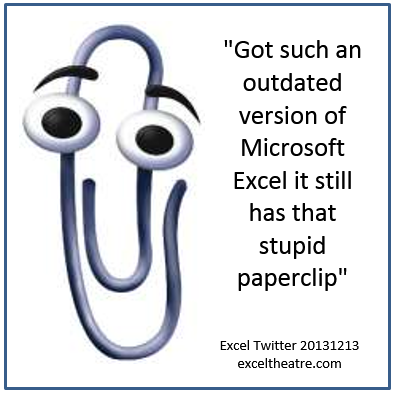
 Oh no! We don’t want to see the Office paperclip popping up in Excel! Didn’t Clippy retire around the same time as Bill Gates?
Got such an outdated version of Microsoft Excel it still has that stupid paperclip
_____________________________
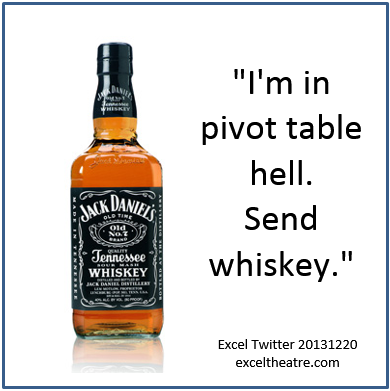
 Of course you need a pivot table to track your Christmas spending! Every Excel fanboy and English major knows that.
________________

 You survived Thanksgiving, with a little help from Excel. Now be careful – there are spreadsheets full of sharks out there!
And Contextures is having a Black Friday Sale — get our Excel Tools add-in at 50% off with discount code CTXBF13 — until midnight Eastern time, Friday Nov. 29th.
______________________